Fantasy map maker for writers: what to look for
Most map makers were designed for tabletop games or for posters. A novelist has different needs: consistency with the text, places that carry the story, and a map that stays in step with the manuscript.
What a novelist needs from a map
- A way to start from the text. Your manuscript already names places, regions and journeys. A tool that starts from a blank canvas makes you copy them by hand.
- Distances you can trust. Travel time is plot. The map should help you check that a journey in chapter twelve is possible.
- Notes attached to places. History, climate, who lives there, which chapter visits it. Notes that sit far from the map get forgotten.
- A result readers understand. Readers look at a map for a few seconds, and clarity beats detail.
- Room to change your mind. Names, borders and roads change during revision, and the map has to follow without a full redraw.
How Mapella answers each need
Mapella reads your manuscript and proposes the places, regions and journeys it finds, then draws a first map that you correct. Importing a novel takes minutes, and the free plan reads the first 80,000 characters.
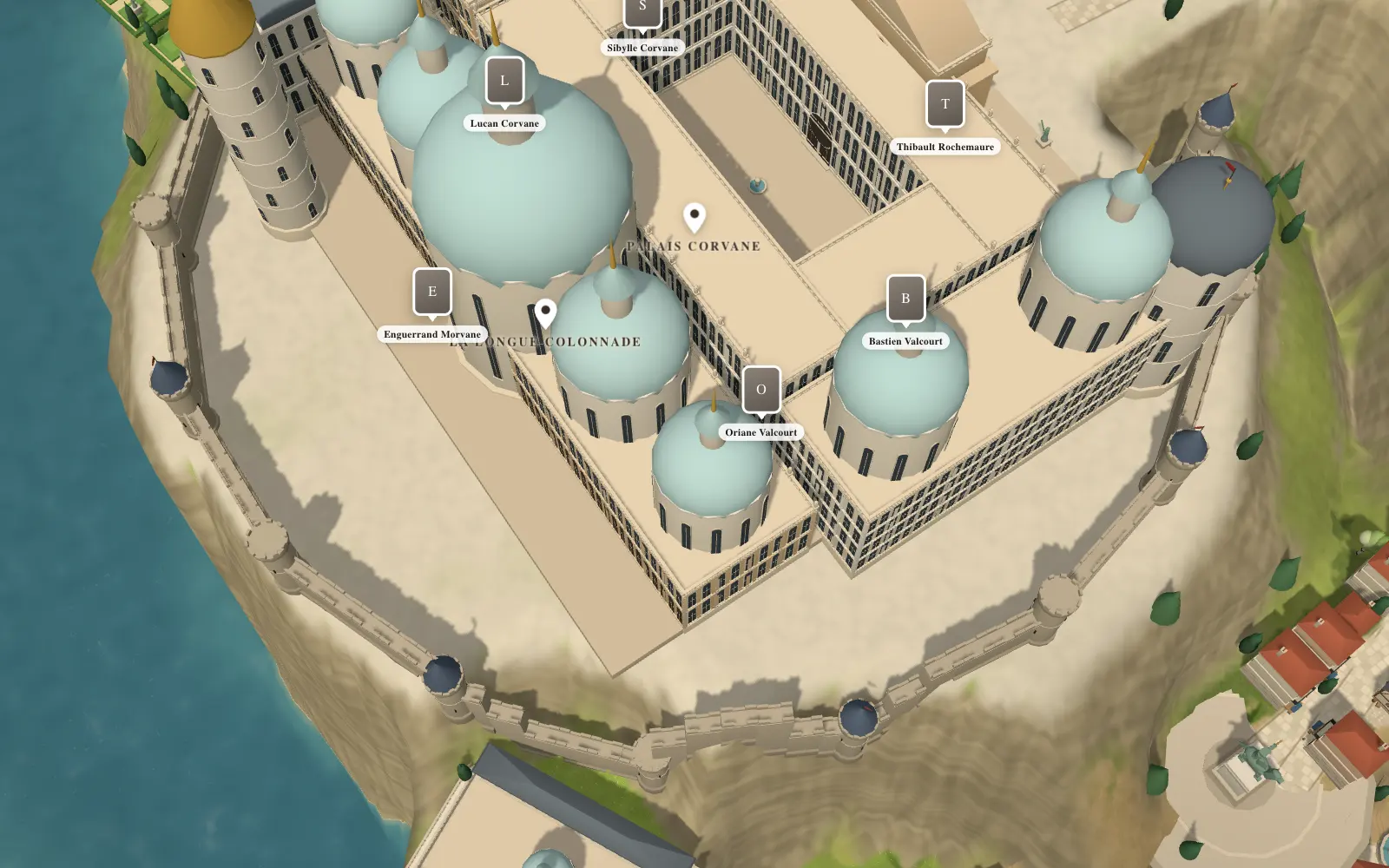
Place and character cards live on the map, so your worldbuilding notes stay with the places they describe. Buildings can be described and modeled, and the whole map tilts from a sky view into a 3D model, which helps you picture a scene before you write it.
Mapella does not invent place names. It places the names you give it or the ones it reads in your text, and every suggestion can be changed or undone.
Where other tools are the better choice
Honesty serves you better than a sales pitch. If you want a highly detailed painted 2D map to print as it is, Inkarnate is a reference. If you prefer to pay once for a desktop program, Wonderdraft exists. If you want a whole continent with states and rivers generated in one click, Azgaar’s Fantasy Map Generator is free and powerful. If you need a full wiki for a large world, World Anvil is built for that. Our comparison sets out the differences as we understand them.
A short checklist before you choose
- Can you start from your manuscript?
- Can you measure a distance and compare it with the travel time in your text?
- Can you attach notes to a place?
- Can you export the map in the form you need? In Mapella, exports without a watermark come with the Cartographer plan.
- Can you try it for free before paying?
Mapella has a free plan with two maps, so you can test these questions on your own world. Prices are on the home page.
Questions
- Is Mapella only for novelists?
- No. Game masters preparing a campaign and anyone who enjoys inventing worlds use it too. Features such as manuscript import and linked cards were designed with novelists in mind.
- Does it work in a browser?
- Yes. Mapella runs in the browser and there is nothing to install.
- Which languages does Mapella speak?
- English, French, Spanish, German, Portuguese and Italian.