Fantasy map makers compared: Mapella, Inkarnate, Wonderdraft, Azgaar and World Anvil
We make Mapella, so read this with that in mind. We tried to describe each tool as its publisher presents it, from public pages consulted in November 2026, and to say where another tool is the better choice.
The short version
| Tool | What it is | Where it runs | How you start | Best for |
|---|---|---|---|---|
| Mapella | A map maker that tilts into 3D, with manuscript import and cards linked to the map | Browser | Free plan, then a monthly or yearly subscription | A world you want to travel through and a novel you want to map |
| Inkarnate | A map maker with a large library of art, for painted 2D maps | Browser | Free plan, then paid plans | A detailed painted map to print or share as it is |
| Wonderdraft | A desktop program for world maps, with asset packs shared by its community | Windows, Mac, Linux | One-time purchase | Writers who prefer to own their software and draw by hand |
| Azgaar’s Fantasy Map Generator | A free, open source generator of whole worlds | Browser | Free | Generating a continent with states, cultures and rivers, then editing it |
| World Anvil | A worldbuilding platform with articles, timelines and interactive maps | Browser | Free plan, then subscriptions | Documenting a large world, with maps that carry pins linked to articles |
Mapella
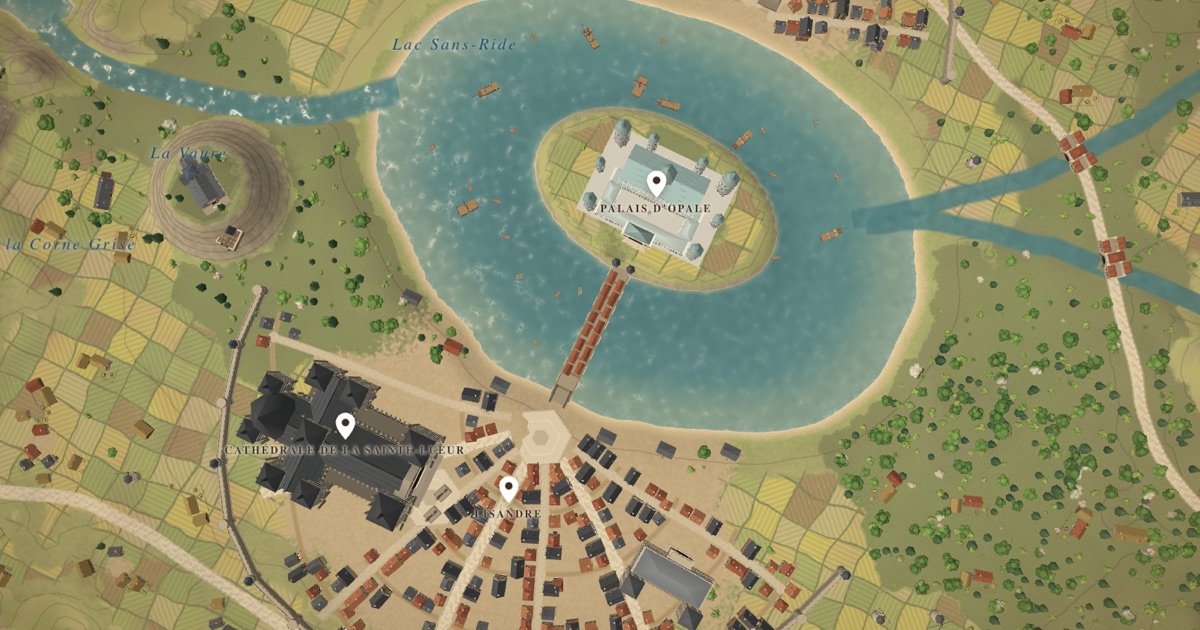
Strengths: the map tilts from a sky view into a 3D model. You can build a first map from your manuscript. Place and character cards are linked to the map, and buildings can be described and modeled. It runs in the browser, in six languages.
Limits: Mapella is new, so its community and its library of ready-made pieces are smaller than those of older tools. It is made for worlds you want to enter and for the stories set in them, more than for a flat painted poster.
Inkarnate
Inkarnate is a reference for detailed painted 2D maps. It runs in the browser, offers a large library of art, and has a free plan with limits and paid plans above it. Its plans have changed over time, so check its site for the current ones. As far as we know it is centred on 2D maps and does not build a map from a manuscript.
Wonderdraft
Wonderdraft is a desktop program for world maps with a one-time price, and a community that shares asset packs. It suits writers who like to draw by hand and to own their tools. It is not a browser tool, and as far as we know it does not read your manuscript.
Azgaar’s Fantasy Map Generator
Azgaar’s generator is free and open source. In a few clicks it produces a whole world with relief, states, cultures and rivers, and then lets you edit the result. The interface is dense and takes time to learn. It is an excellent starting point if you want a world generated for you. As far as we know it does not read your manuscript.
World Anvil
World Anvil is a worldbuilding platform: articles, timelines, calendars, and interactive maps where pins link to your articles. By its own description it is not map-making software, since you bring a map image and annotate it. If you need a documented encyclopedia of your world, it is a strong choice. It does not draw the map for you.
How to choose
- You want a painted map to print or share: Inkarnate.
- You want to pay once and draw on your own computer: Wonderdraft.
- You want a world generated for free: Azgaar.
- You want a wiki for a very large world: World Anvil.
- You want to start from your manuscript, see your places in relief and keep cards on the map: Mapella.
Many writers use two tools: one to generate or paint, and one to keep notes. Prices and plans change, so check each publisher’s site before you decide.
Questions
- Which map maker is best for a novel?
- The one that matches your habits. If your map has to follow your manuscript, a tool that starts from the text saves time. If you need a poster, a painted 2D tool fits better.
- Can I use more than one tool?
- Yes. Some writers generate a continent in one tool, paint it in another and keep their notes in a third.
- Is Mapella free?
- Mapella has a free plan with two maps. Paid plans add maps, credits and exports without a watermark. See the pricing.